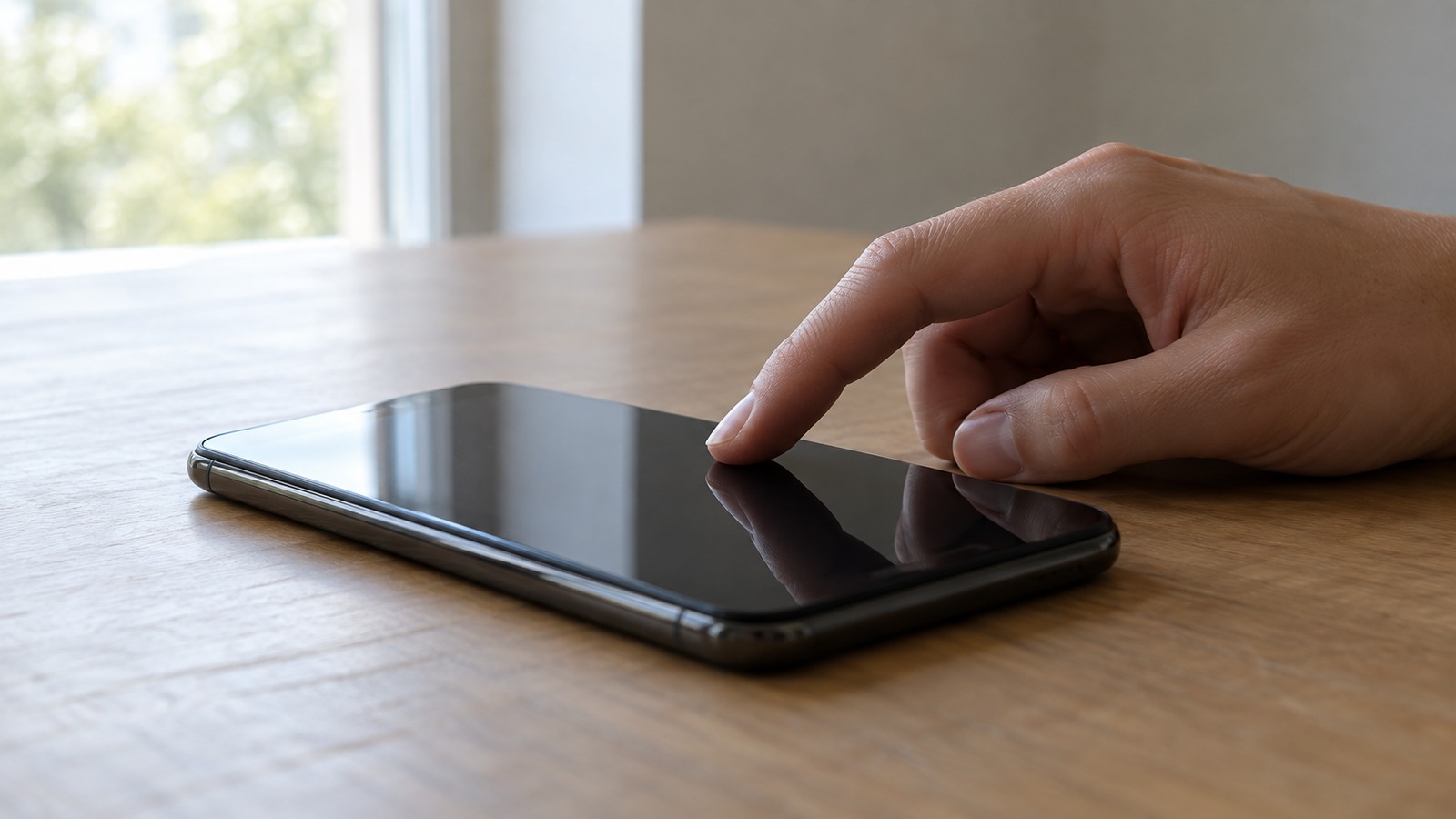
A Touchscreen Does Not Feel Pressure
The most persistent misconception about modern phone screens is that they respond to the force of a fingertip. They do not. You can rest a finger on a phone screen with almost no weight at all and it registers perfectly, while pressing hard with a fingernail does nothing.
What the screen actually detects is an electrical disturbance. Your body alters an invisible field maintained across the glass, and the device works out where that alteration is strongest. Pressure is irrelevant to the measurement, which is why gloves defeat a screen that a feather-light touch operates easily.
Capacitance Is the Property Being Measured
Capacitance describes the ability of a structure to store electrical charge. Any two conductors separated by an insulator form a capacitor, and the amount of charge held depends on their size, their separation and what lies between them.
A touchscreen is built as a grid of such capacitors. Their stored charge is stable and predictable until something changes the local conditions, and a human finger arriving near the glass is exactly such a change. The entire technology rests on measuring that shift accurately and quickly.
The Human Body Is a Usable Conductor
People are mostly water containing dissolved salts, which makes the body a reasonable electrical conductor. It is also large relative to a phone, so it behaves electrically like a substantial reservoir of charge connected to the surroundings.
When a fingertip approaches the screen, it does not need to complete a circuit or draw current in any meaningful sense. Its mere presence as a conductive mass near the sensing grid is enough to divert some of the electric field away from the screen's own electrodes.
Projected Capacitance Reaches Through the Glass
The sensing layer sits beneath a protective sheet of glass, so the finger never touches the electrodes themselves. This works because the electric field is not confined to the conductor; it projects outward through the glass into the space above it.
This arrangement is called projected capacitive sensing. It is what allows a screen to be covered by hard, scratch-resistant glass and still respond, and it is why a reasonably thin screen protector makes little difference to performance.
A Grid of Transparent Electrodes Covers the Screen
Beneath the glass lie two layers of fine conductive lines, one running horizontally and the other vertically, separated by a thin insulator. Together they form a grid of intersections across the whole display area.
The conductor must be transparent or it would block the image, so manufacturers use indium tin oxide, an unusual material that conducts electricity while remaining largely see-through. The lines are also extremely fine, so the grid is invisible in normal use.
Mutual Capacitance Measures Every Intersection
In mutual capacitance sensing, one set of lines transmits a rapidly alternating signal and the other set receives it. At each crossing point a small, precisely known amount of charge couples from the transmitting line to the receiving one.
A finger near an intersection intercepts part of that coupling field, so less charge reaches the receiver. The controller scans every intersection in turn and builds a complete map of where coupling has dropped, which is effectively a low-resolution image of what is touching the screen.
Multi-Touch Requires Individually Addressable Points
Because every intersection is measured separately, the controller knows not just that a touch occurred but exactly which points changed. Two fingers in different places produce two distinct regions of reduced coupling.
This is what makes pinch-to-zoom and two-finger rotation possible, and it is the key advantage over older technologies that could only report a single averaged contact position. The screen sees several independent touch regions simultaneously and tracks each one.
Self Capacitance Is More Sensitive but Ambiguous
An alternative method measures each electrode's capacitance to ground rather than to its neighbour. A finger adds capacitance to whichever rows and columns it overlaps, and this approach is more sensitive, detecting a finger slightly before contact.
Its weakness is ambiguity. If two fingers touch at diagonally opposite corners, the affected rows and columns are identical to those produced by touches at the other two corners, creating phantom points. Devices therefore often combine both methods, using self capacitance for sensitivity and mutual capacitance to resolve positions.
Interpolation Gives Far Finer Resolution Than the Grid
The electrode grid is much coarser than the touch precision users experience, with intersections spaced several millimetres apart. A fingertip is wider than one cell and affects several neighbouring intersections at once.
The controller compares the strength of the signal change across those neighbours and calculates a weighted centre, much as one might find the centre of mass of a blurred spot. This interpolation locates a touch far more precisely than the physical spacing of the electrodes would suggest.
The Controller Scans Hundreds of Times a Second
A dedicated processor drives the transmit lines, reads the receive lines, converts the analogue measurements to digital values and assembles the result into a capacitance map. It repeats this cycle typically between sixty and a few hundred times per second.
Higher scan rates reduce the delay between moving a finger and seeing the screen respond, which is a large part of why some devices feel noticeably more responsive than others. Gaming-focused phones often advertise particularly high touch sampling rates for this reason.
Signal Processing Separates Touch From Noise
The capacitance change caused by a finger is tiny, often a fraction of a picofarad, and the screen sits directly above a display that emits considerable electrical noise. Charging adapters, fluorescent lighting and radio transmissions add more.
The controller filters this aggressively, averaging across scans, rejecting frequencies that do not match its own signal, and sometimes hopping between transmit frequencies to avoid interference. A poor quality charger can overwhelm these defences, which is why some phones become erratic while charging.
Water Confuses a Touchscreen Because It Conducts
A droplet on the glass is conductive and changes local capacitance much as a finger does. The controller may register it as a touch, or the water may bridge several intersections and produce a large, shapeless region of change.
This is why wet screens behave unpredictably, registering phantom taps or ignoring real ones. Some devices include water rejection algorithms that recognise the distinctive signature of a static, irregular contact and suppress it, and some offer a dedicated mode for wet conditions.
Gloves Fail Because They Insulate
An ordinary glove places an insulating layer between the conductive finger and the screen. This increases the effective distance to the sensing grid, and because capacitive coupling falls off sharply with distance, the disturbance becomes too small to detect.
Touchscreen gloves solve this by weaving conductive thread through the fingertips, creating a path that links your hand to the glove's outer surface. The conductive patch then acts as an extension of your finger, restoring the capacitance change the controller expects.
Capacitive Styluses Are Simply Conductive Blunt Tips
A basic stylus for a phone has a soft, conductive rubber tip that connects electrically to your hand through the barrel. It is deliberately broad, because a very fine conductive point would not alter enough of the field to be reliably detected.
This is the fundamental limitation of passive styluses: they cannot be sharp. Reliable fine-point input requires an active stylus containing its own electronics that emits a signal the screen can detect independently, or a separate sensing layer designed for it.
Active Styluses Add Their Own Signal
A pressure-sensitive drawing stylus does not rely on capacitance alone. It contains a battery and circuitry that transmits a coded electrical signal from its tip, which the screen's sensor detects with much greater precision than a passive conductive blob.
Because the stylus is an active participant, it can also communicate additional information: how hard the tip is being pressed, how far it is tilted, and which buttons are held. This is what enables variable line weight in drawing applications.
Tilt and Hover Come From Field Shape
A screen designed for an active stylus can detect the pen before it touches, because the emitted signal is measurable at a short distance. The controller sees a small region of influence that grows as the tip approaches.
Tilt is inferred from asymmetry. A pen held at an angle produces a lopsided pattern of signal strength across nearby electrodes, and the direction and degree of that asymmetry translate directly into the tilt angle reported to software.
Palm Rejection Is Pattern Recognition
When writing, the side of the hand rests on the screen and produces a large contact area, yet the device ignores it. The controller classifies contacts by size, shape and behaviour, distinguishing a broad irregular blob from a small round fingertip.
It also uses timing and context. Once a stylus signal is detected, large simultaneous contacts are assumed to be the palm and suppressed. This is why palm rejection works far better when an active stylus is in use than with a finger alone.
Resistive Screens Work by Physical Contact Instead
Older touchscreens, still used in some industrial equipment and older cash machines, work on an entirely different principle. Two flexible conductive layers are held slightly apart, and pressing the screen pushes them into contact.
The controller measures the resistance at the contact point to determine position. These screens genuinely respond to pressure, work with any object including gloves and styluses, but offer poorer clarity, no reliable multi-touch and less durability.
Infrared and Optical Screens Suit Large Displays
Very large touch surfaces often abandon capacitance entirely, because the electrode grid would become impractically large and expensive. Instead, emitters around the bezel project a grid of infrared beams across the surface.
A finger or any object breaks beams in one horizontal and one vertical position, and the controller reads the intersection. This works with gloves, styluses and any object, which is why it suits public kiosks and interactive whiteboards, though bright sunlight and dirt on the frame can interfere.
Surface Acoustic Wave Screens Listen for Absorption
Another approach used in durable public installations sends ultrasonic waves across the surface of the glass. Sensors at the edges monitor these waves continuously and detect when part of the energy is absorbed.
Touching the screen damps the wave at that point, and the timing of the disruption reveals the coordinates. These screens offer excellent optical clarity because nothing is layered over the glass, but contamination on the surface degrades performance.
Screen Protectors Are Usually Harmless
Because the sensing field projects through insulating material, an additional thin layer generally causes no problem. Tempered glass protectors are typically under a millimetre thick and simply extend the existing glass slightly.
Difficulties arise when a protector is unusually thick, when air bubbles create gaps that alter the field unevenly, or when it contains metallic or conductive elements. Some devices offer a sensitivity setting that increases gain to compensate for thicker coverings.
Cold Weather Affects the Hand, Not the Screen
Touchscreens often seem less responsive in cold conditions. The electronics are largely unaffected within normal ambient temperatures, so the problem usually lies with the user rather than the device.
Cold causes blood vessels in the fingers to constrict, reducing blood flow and drying the skin surface. Both effects reduce the conductivity of the fingertip, weakening the capacitance change. Warming the hands typically restores normal behaviour immediately.
Very Dry or Calloused Skin Reduces Sensitivity
Some people find fingerprint sensors and touchscreens unreliable because of genuinely drier or thicker skin. Heavily calloused fingertips place a layer of relatively non-conductive dead tissue between the conductive interior and the glass.
The effect is the same as wearing a very thin glove. Slight moisture improves contact, which is why breathing on a fingertip or applying hand cream often makes an unresponsive screen suddenly cooperative.
Ghost Touches Have Several Physical Causes
A device that registers taps nobody made is usually suffering from electrical interference or physical damage. Poor quality chargers inject noise through the power supply that the controller misreads as touch signals.
Physical causes include a cracked digitiser layer, moisture that has penetrated the display assembly, or a damaged flex cable. Because the controller is looking for extremely small changes, any stray conductive path or noise source can masquerade as a finger.
Force Touch Required Genuinely Different Hardware
Some devices have offered pressure sensitivity, distinguishing a light tap from a firm press. This could not be done with the capacitive layer, which as noted is indifferent to force, so it required additional sensing hardware.
Implementations measured the microscopic flexing of the display using a separate array of capacitive gap sensors behind the screen, detecting that the panel had moved fractionally closer to a reference layer. The added cost and thickness led most manufacturers to drop the feature in favour of long-press gestures.
Haptic Feedback Simulates a Click That Never Happens
Pressing a virtual button that produces a convincing click is an illusion. Nothing physically moves, and the sensation is generated by a small precision motor that produces a sharp, brief vibration timed to the touch.
The brain interprets the combination of visual change and immediate tactile pulse as a single mechanical event. Well-tuned haptics are why some on-screen keyboards feel far more satisfying than others despite identical flat glass.
The Technology Is Older Than the Smartphone
Capacitive touch sensing was developed in the 1960s, with an early system built at a European research laboratory for control room use. Multi-touch research followed through the 1980s in academic and corporate laboratories.
What made it ubiquitous was not the sensing principle but the surrounding components: durable transparent glass, cheap high-resolution displays, and processors powerful enough to run the filtering and interpolation needed to make touch feel instantaneous and precise.
Everything Rests on Detecting a Very Small Change
Stripped to its essentials, a touchscreen repeatedly asks a grid of tiny capacitors how much charge they hold, compares the answers against expectations, and interprets any deficit as evidence that a conductive object is nearby.
Everything users experience follows from that measurement: why gloves fail, why water causes chaos, why dry skin struggles and why a light touch works as well as a firm one. The screen is not feeling a press; it is watching an electric field being disturbed.
In-Display Fingerprint Sensors Share the Same Glass
Many phones now read a fingerprint through the screen itself, which requires an entirely separate sensing system layered beneath the display. Optical versions illuminate the finger with light from the screen and photograph the reflected ridge pattern with a tiny camera underneath.
Ultrasonic versions instead emit a high-frequency pulse and measure the echo, building a three-dimensional map of ridges and valleys. Because it senses depth rather than an image, an ultrasonic sensor works through moisture and grease that would defeat an optical reader entirely.
Touch Latency Comes From the Whole Pipeline
The delay between moving a finger and seeing the screen react is rarely caused by the sensor alone. A touch must be scanned, filtered, passed to the operating system, handled by the application, rendered into a new frame and finally displayed.
Each stage adds delay, and the display refresh rate sets a floor on the last step. This is why raising the touch sampling rate helps only up to a point: beyond it, the bottleneck moves to rendering and display, which is why high refresh rate screens feel so much more immediate.
Curved and Folding Screens Complicate the Grid
A flat electrode grid assumes a flat surface, so curved edges and folding hinges require the sensing layer to bend without cracking the brittle indium tin oxide. Manufacturers substitute more flexible conductors such as silver nanowire meshes or fine metal grids.
Software must also compensate. Curved edges are naturally contacted by the palm during normal holding, so devices apply aggressive edge rejection, classifying long thin contacts along the sides as grip rather than intentional touches.
Underwater Touchscreens Do Not Work at All
A phone rated for water resistance survives immersion, but its screen becomes unusable underwater. Water covering the entire surface changes capacitance everywhere simultaneously, leaving the controller with no local maximum to identify as a touch.
This is why underwater photography on modern phones is triggered by physical buttons or voice rather than the screen. Some cameras designed for diving deliberately retain mechanical controls precisely because capacitive sensing cannot function when submerged.
Sources
- Wikipedia: Touchscreen — Capacitive, resistive, infrared and acoustic touch sensing technologies compared.
- Britannica: Touch screen — Encyclopedia overview of touchscreen development and operating principles.
- US National Institute of Standards and Technology — Reference material on measurement standards relevant to electronic sensing.
FAQ
Do touchscreens detect pressure?
No. A modern capacitive screen responds to an electrical disturbance from a conductive object. A feather-light touch works, while a hard press with a fingernail does nothing.
What does a touchscreen actually measure?
Capacitance, the ability of the electrode grid to store charge. Your finger diverts part of the electric field, and the controller detects exactly where coupling dropped.
Why does my finger work but a pen does not?
Your body is conductive because it is mostly salty water. A plastic pen is an insulator, so it cannot disturb the electric field the screen is monitoring.
How does multi-touch work?
Every grid intersection is measured separately, so two fingers create two distinct regions of change. The controller tracks each independently, enabling pinch and rotate gestures.
How is a touch located so precisely on a coarse grid?
A fingertip affects several neighbouring intersections. The controller compares their signal strengths and calculates a weighted centre, which is far finer than the electrode spacing.
Why doesn't the screen respond through gloves?
A glove is an insulator that increases the distance between your conductive finger and the sensing grid. Capacitive coupling falls sharply with distance, so the change becomes undetectable.
How do touchscreen gloves work?
Conductive thread woven into the fingertips links your hand to the glove's outer surface, so that patch acts as an extension of your finger and restores the capacitance change.
Why does water cause random taps?
Water is conductive and changes local capacitance much like a finger. Droplets can register as touches or bridge several intersections, producing large shapeless contact regions.
Why is my screen erratic while charging?
Poor quality chargers inject electrical noise that the controller can misread as touch signals. The capacitance changes being measured are extremely small and easily swamped.
Why do touchscreens seem worse in cold weather?
The problem is your hand, not the device. Cold constricts blood vessels and dries the skin, reducing fingertip conductivity. Warming your hands usually fixes it.
Why does dry or calloused skin struggle?
Thick dead tissue acts like a very thin glove between the conductive interior of your finger and the glass. Slight moisture or hand cream usually restores responsiveness.
How do active styluses differ from cheap ones?
A passive stylus is just a conductive rubber tip and must be blunt. An active stylus emits its own coded signal, allowing fine points, pressure sensitivity and tilt detection.
How does palm rejection work?
The controller classifies contacts by size, shape and timing. Once a stylus signal is present, large irregular contact areas are assumed to be a palm and suppressed.
Do screen protectors reduce sensitivity?
Usually not, since the field projects through insulating material. Problems arise with unusually thick protectors, trapped air bubbles, or any conductive or metallic content.
How do very large touch displays work?
Often with infrared beams projected across the surface from the bezel. A finger breaks one horizontal and one vertical beam, and the intersection gives the position.
About the Author
We reference Wikipedia and other authoritative sources to explain the background and current understanding of this topic.
Loved This Article?
Share it on WhatsApp → Share it on WhatsApp
Get more guides in your inbox — Subscribe to our newsletter for weekly surprising stories from Egypt, Saudi Arabia, Dubai, and beyond.