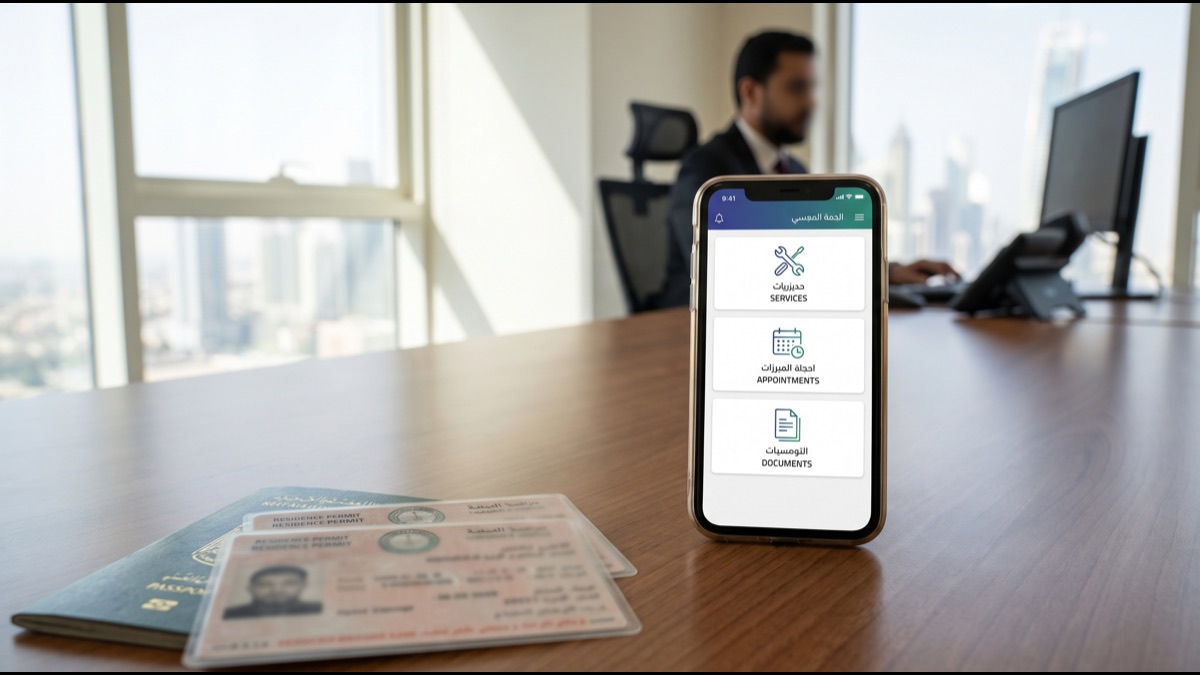
Editorial note: This guide was checked against official Absher and Saudi Ministry of Interior sources on 2026-07-09. Always confirm current fees and steps on absher.sa before completing any transaction.
Absher is Saudi Arabia's Ministry of Interior e-services platform. For residents, it is not optional background software: it is where many everyday government tasks happen, from residency services and traffic fines to exit and re-entry visas. The platform is powerful, but the menus can feel dense if you are new to Saudi Arabia. This guide translates the practical Arabic guide into clear English while keeping the process details intact.
What is Absher?
Absher is the official online portal of the Saudi Ministry of Interior. It provides electronic services for citizens and residents across traffic, passports, civil affairs, and labor-related procedures. Instead of visiting a branch for every transaction, you can complete many services from a phone or computer.
Absher includes a web portal, an Individuals app, and business services for employers. If you live in Saudi Arabia, you will likely use Absher for essential residency and mobility tasks.
Main services in Absher
Traffic services
- Paying traffic fines.
- Renewing a driving license.
- Transferring vehicle ownership.
- Booking traffic appointments such as periodic inspection or plate replacement.
- Checking vehicle status.
- Renewing vehicle registration.
Passport and residency services
- Renewing iqama/residency.
- Issuing exit and re-entry visas.
- Issuing final exit visas.
- Updating passport details.
- Transferring services between employers.
- Extending visit visas where eligible.
Civil affairs and business services
Absher can also support civil-affairs services such as birth or death registration and data updates. Employers use Absher Business for work visas, worker service transfers, residency renewals, work permits, and company data updates.
How to register for Absher
You can create an Absher account through the website or Absher Individuals app, but the account must be activated through identity verification. The Arabic source lists these activation methods: Nafath digital identity verification, a self-service kiosk, a passport office or Absher branch, or online banking if your bank supports Absher activation.
Documents and details you need
- National ID for citizens or a valid iqama for residents.
- A valid passport.
- A mobile number registered under your name.
- Fingerprint verification when activation is done through a kiosk or branch.
Registration steps
- Go to absher.sa or open the Absher Individuals app.
- Choose new registration and enter your ID or iqama number.
- Enter your mobile number and confirm the verification code.
- Create your username and password.
- Activate the account through one of the identity-verification methods above.
How to log in
On the website, go to absher.sa, choose Individuals or Business, enter your username or ID/iqama number, enter your password, then enter the code sent to your phone. On the app, the same flow applies, with fingerprint or face authentication available if enabled.
Key services and how to use them
Renewing residency
- Log in to Absher.
- Choose Passports from the main services list.
- Open My Services, then Residency Renewal.
- Select the resident whose iqama you want to renew.
- Check the data carefully.
- Pay the renewal fees electronically. The Arabic source lists 2026 base fees of SAR 650 yearly for company and institution employees, SAR 600 for domestic workers, plus health insurance and work-license fees. Dependent fees are SAR 400 per month for each dependent.
- Save or print the receipt. The renewal is completed electronically.
Paying traffic fines
- Log in to Absher.
- Choose Traffic.
- Open Traffic Violations.
- Select the fines you want to pay.
- Pay electronically and keep the receipt.
Issuing an exit and re-entry visa
- Log in to Absher.
- Choose Passports, then My Services, then Visas.
- Choose Issue Exit and Re-entry Visa.
- Select the resident and set the exit and return dates.
- Pay the fees. The Arabic source lists a single exit/re-entry visa at SAR 200 for the first two months plus SAR 100 for each additional month; a multiple visa is SAR 200 for the first two months plus SAR 200 for each additional month.
- The visa is issued electronically.
Renewing a driving license
Choose Traffic, then Driving Licenses, then Renew Driving License. Complete the medical check if required, pay the renewal fee listed in the Arabic source as roughly SAR 200-400 depending on license type, then use the digital license or request a physical copy.
Common problems and fixes
- Forgot password: use the forgot-password link, enter your ID or iqama number, confirm the phone code, and create a new password.
- Locked account: after repeated wrong password attempts, wait 24 hours or contact customer service at 920020105.
- Verification code did not arrive: check that your registered phone number is correct, resend the code, or update the number through a branch if needed.
- Service not visible: update the app. Some services still require a branch visit.
- App problems: close and reopen the app, update it, clear app data on Android, reinstall, or use the website instead.
Tips for smoother use
- Enable two-factor authentication and biometric login in the app.
- Keep your phone number and address updated.
- Set calendar reminders for residency, license, and vehicle-registration renewals.
- Review every detail before paying or renewing.
- If you run a company, learn Absher Business because it saves time on employee administration.
Sources
- Official Absher platform — absher.sa
- Saudi Ministry of Interior — moi.gov.sa
- Saudi Traffic Department — moroor.gov.sa
- Saudi Passports Directorate — gdp.gov.sa
- Nafath digital identity — nafath.sa
Frequently asked questions
Can I register for Absher online?
Yes. You can create the account online or in the app, but activation requires identity verification through Nafath, a self-service kiosk, online banking, or a passport office.
Is Absher free?
Registration and basic use are free. Government services such as residency renewal, traffic fines, and visas can require official fees.
Can I use Absher outside Saudi Arabia?
Yes, the platform can be accessed from outside Saudi Arabia, but some services require your physical presence in the Kingdom.